How to document a software project (with a template)
Reviewed: September 16, 2026. Sources, review and corrections methodology
DIRECT ANSWER
Practical guide to documenting your university software project. Covers README files, code comments, API docs, and diagrams your advisor expects.

Documentation is the part of your software project that nobody wants to write but everybody needs to read. Whether you are building a web app for your thesis, a mobile prototype for a class project, or a system for your capstone, proper documentation separates a professional deliverable from a code dump your advisor cannot evaluate.
Why documentation matters in academic projects
Your professor will not run your code. In most cases, they will read the documentation and skim the repository. If your documentation is unclear, they cannot assess the quality of your work. Strong documentation also helps your teammates understand what you built, and it helps you remember your own decisions three months from now when you need to present your defense.
Five documents commonly useful in a software project
Your rubric may request all, some or different artifacts. Select the documentation that lets a reviewer reproduce, assess and maintain the project.
1. README file
The README is the front door of your project. Place it at the root of your repository. It should answer five questions:
- What does this project do?
- Why does it exist (problem statement)?
- How do I install and run it?
- What technologies does it use?
- Who built it?
A solid README template:
# Project Name
Brief description of the project.

## Problem Statement
What problem this software solves.

## Technologies
- Frontend: React 19
- Backend: Node.js + Express
- Database: PostgreSQL
- Deployment: Vercel

## Installation
1. Clone the repository
2. Run `npm install`
3. Copy `.env.example` to `.env` and fill in values
4. Run `npm run dev`

## Usage
Explain main user flows with screenshots if possible.

## Authors
- Name — Role
2. Code comments and docstrings
Comments should explain why, not what. The code itself shows what happens; your comment should explain the reasoning behind a decision.
Bad comment:
// increment counter
counter++;
Good comment:
// Retry up to 3 times because the university API
// drops connections under heavy load during enrollment
counter++;
For public functions and classes, use docstrings that describe parameters, return values, and side effects. Tools like JSDoc, Javadoc, or Python docstrings let you generate reference documentation automatically.
3. Architecture document
This is the document your advisor cares about most. It explains how the system is structured and why you made the decisions you did. Include:
- System diagram showing main components and how they communicate
- Technology choices with justification (why PostgreSQL instead of MongoDB, why React instead of Angular)
- Data model with an entity-relationship diagram
- API design listing your endpoints, methods, and expected responses
You do not need fancy tools. A simple diagram drawn with draw.io or Mermaid inside your Markdown files is sufficient.
4. User manual
If your project has a user interface, include a short user manual with screenshots showing the main flows. This is especially important for thesis projects where your evaluation committee may not be technical. Walk them through the screens step by step.
5. Deployment guide
Document how to put your project into production or how to set it up on a fresh machine. This includes environment variables, database migrations, build commands, and hosting configuration. Future you will thank past you.
Common mistakes in university documentation
Writing documentation after the project is finished. By then you have forgotten why you made half your decisions. Document as you build. Spend 10 minutes after each work session updating your docs.
Copying generic templates without customizing them. Your advisor can spot a template filled with placeholder text. Make every sentence specific to your project.
Skipping the architecture section. This is the most valuable part for academic evaluation. It shows you understand software engineering, not just coding.
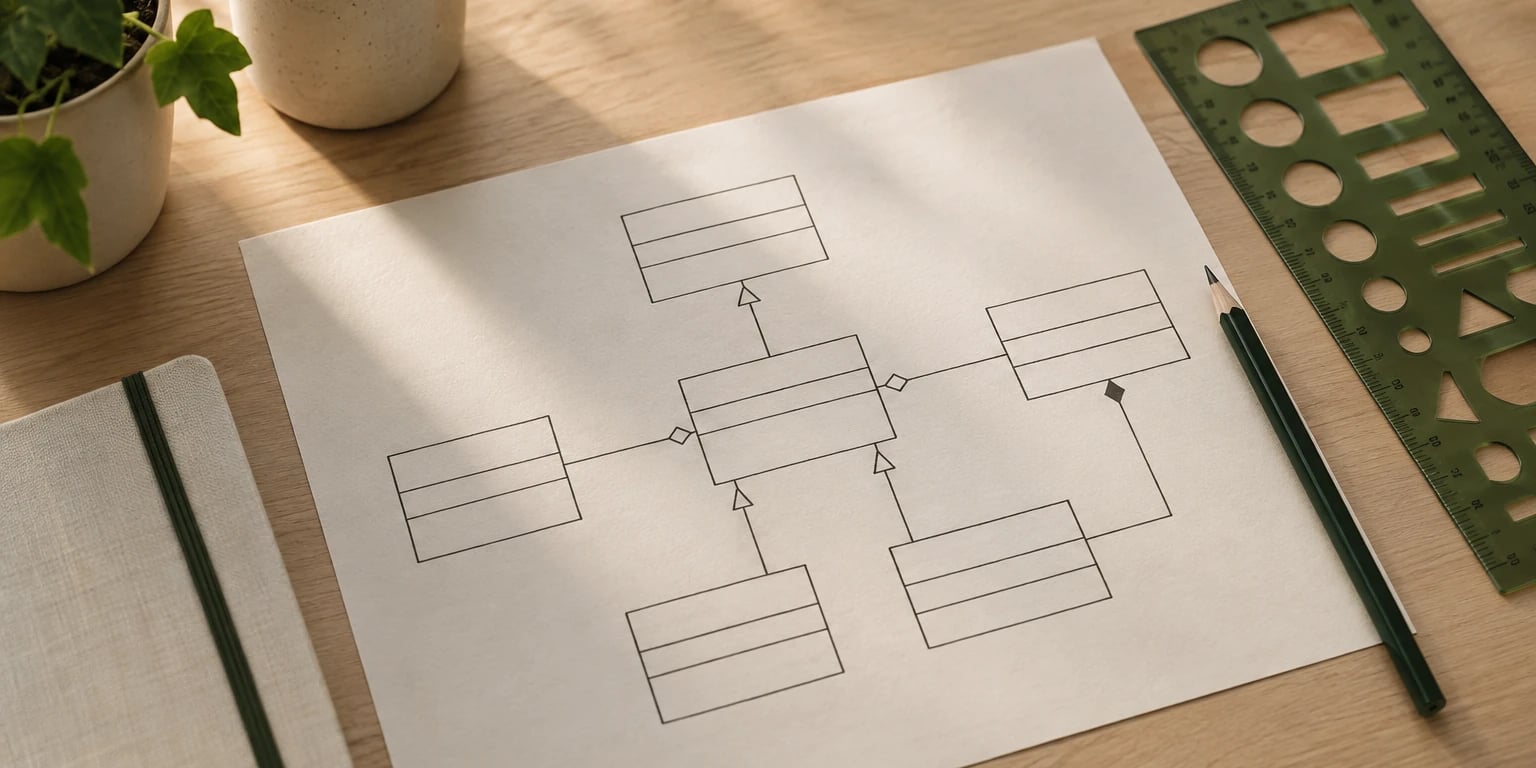
Not including diagrams. A single well-made architecture diagram communicates more than three pages of text. Use UML, C4, or simple boxes-and-arrows diagrams.
Documenting implementation details that change constantly. Focus on stable concepts: what the system does, how components interact, what the data model looks like. Avoid documenting every variable name.
Tools that make documentation easier
| Tool | Purpose | Best for |
|---|---|---|
| Markdown | Text documentation | README, architecture docs |
| draw.io | Diagrams | System architecture, ER diagrams |
| Mermaid | Code-based diagrams | Embedding diagrams in Markdown |
| JSDoc / Javadoc | API reference | Auto-generated from code comments |
| Swagger / OpenAPI | REST API docs | Backend projects with APIs |
| Notion / Confluence | Collaborative docs | Team projects |
How to organize your repository
A clean folder structure is documentation in itself:
project-root/
  docs/
    architecture.md
    user-manual.md
    deployment.md
    diagrams/
  src/
  tests/
  README.md
  .env.example
Keep documentation close to the code. If docs live in a separate Google Drive nobody updates, they will become outdated within a week.
Documentation as a professional skill
Good documentation is not just an academic requirement. In the professional world, companies evaluate engineers partly on their ability to communicate technical decisions clearly. Starting this habit now gives you an advantage in internships and job interviews.
Need help structuring your software project documentation? At Folium Labs we help engineering students build professional-quality deliverables, from architecture design to final documentation.
Related guides: UML diagrams guide for university students, Git and GitHub guide for university students and How to build an MVP for your engineering project.
Working on your thesis or capstone project? Our team supports you through every phase of your software project. Learn about our services.
If this is part of your capstone, see which deliverables a systems engineering capstone usually requires and download the software documentation template.
Primary and academic sources
These sources support the editorial review of this guide. Always verify the current rules of your own program.
- MDN Web Docs, Mozilla
- Web Content Accessibility Guidelines (WCAG), W3C

Need help with your project?
Our team can handle your thesis, research or technology project.